
Every photo
deserves a frame

Borderz is a free iOS app that adds a clean, adjustable border around any photo — or a whole album at once. Any width, any color, with captions, outlines and crops when you want them. A photo in a frame reads differently than a photo on its own.

Free for now iPhone No account needed
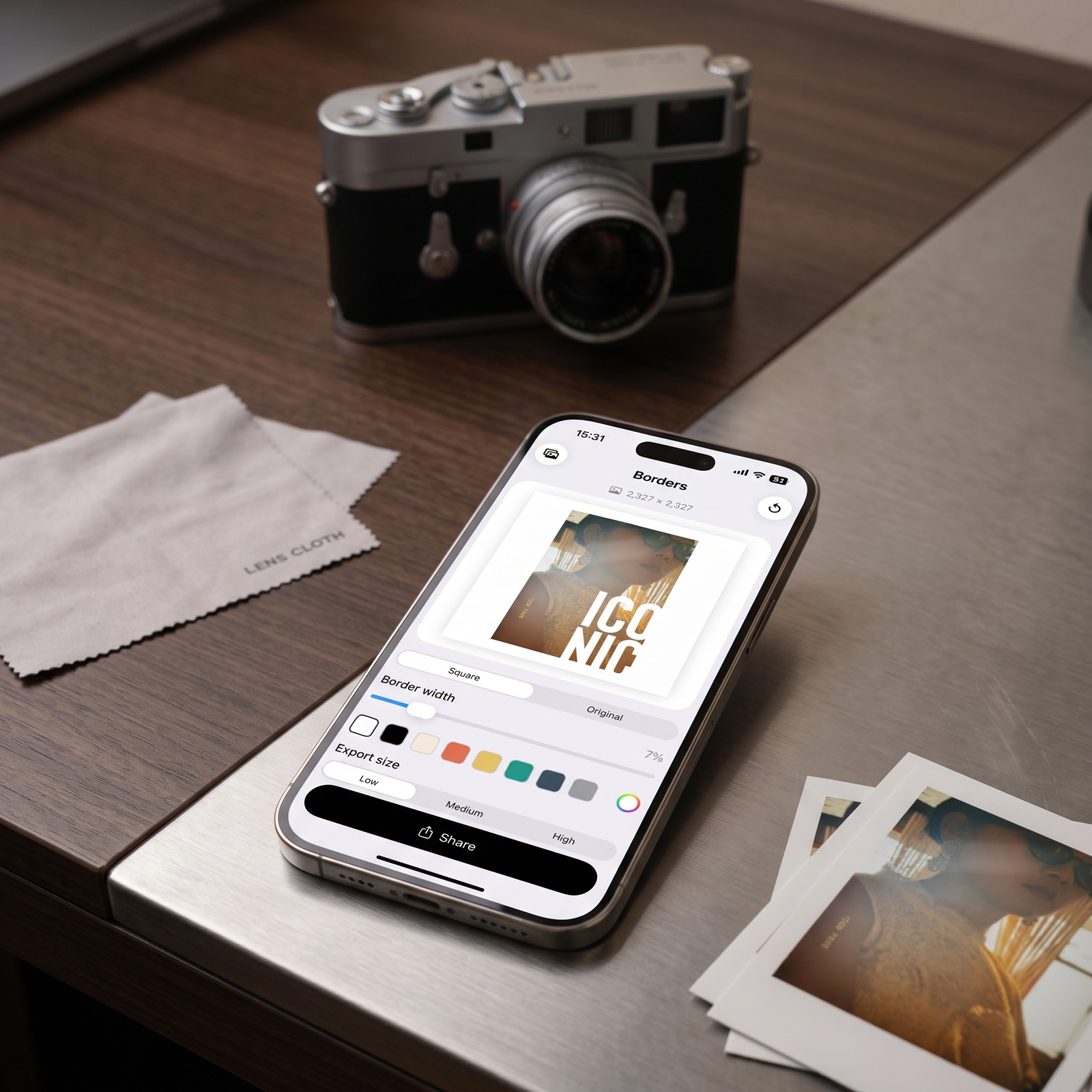
Borderz app open on an iPhone next to a film camera, showing a framed photo ready to share
The concept

Every photo deserves a frame.

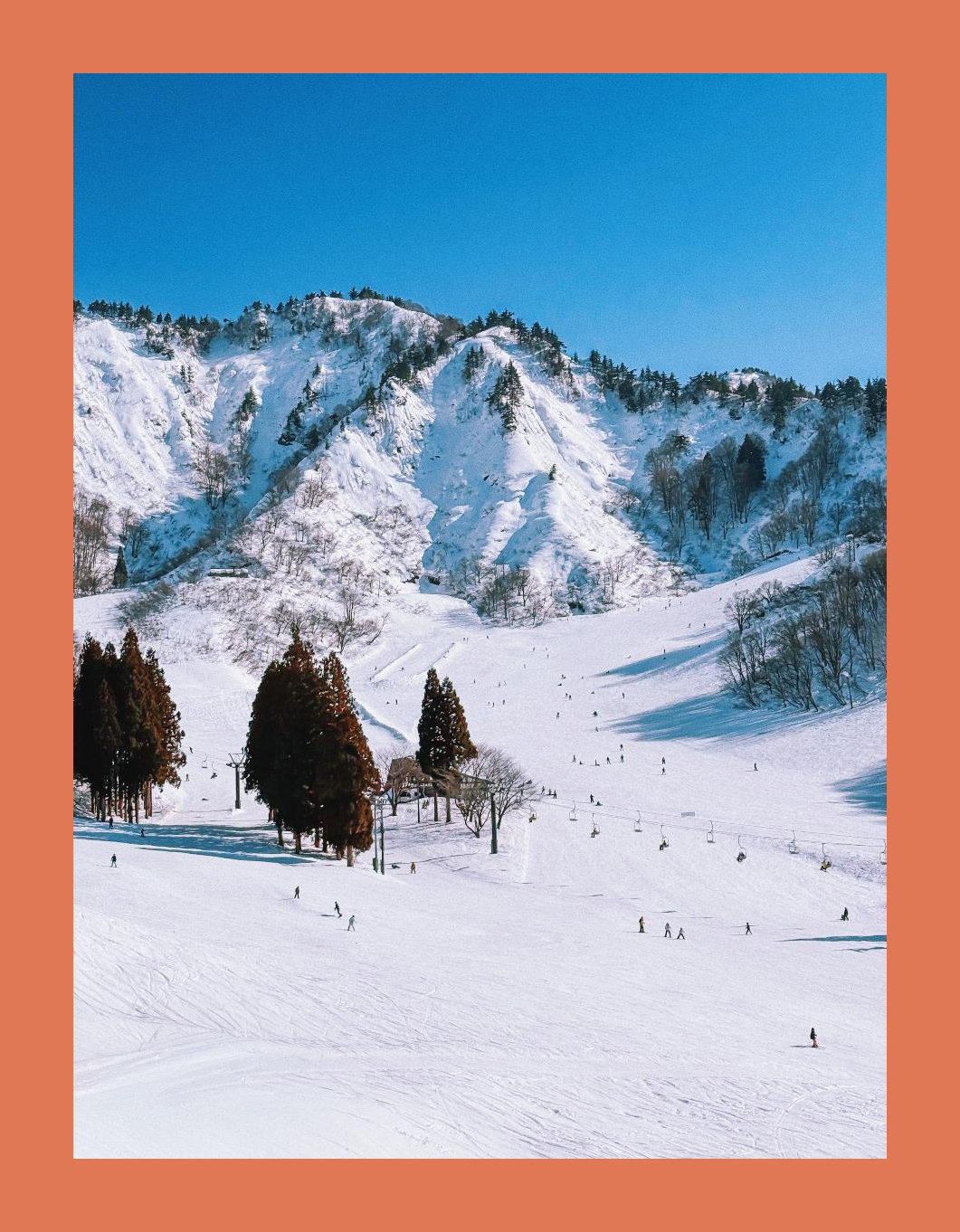
Museums and galleries have known this for centuries: a mat or border isn't decoration, it's what turns an image into a window. It gives the eye somewhere to land before the picture, and somewhere to rest after. Borderz brings that same idea to the photo in your pocket.

Focus

A border stops the eye at the edge instead of letting it wander off into the feed. Everything inside the frame suddenly matters more.

01

Separation

On a white wall or a busy feed, a photo can bleed into its surroundings. A border gives it a boundary — and a little room to breathe.

02

Presentation

The same photo, matted, looks considered — less like a snapshot, more like something chosen and shown on purpose.

03

Expression

White keeps a photo quiet. Black gives it weight. A color pulled from the photo itself ties the whole thing together.

04
The app

From one photo to a whole album.

Pick one photo or fifty. Give them all the same frame, tweak any one on its own, and add a caption you can see as you type.

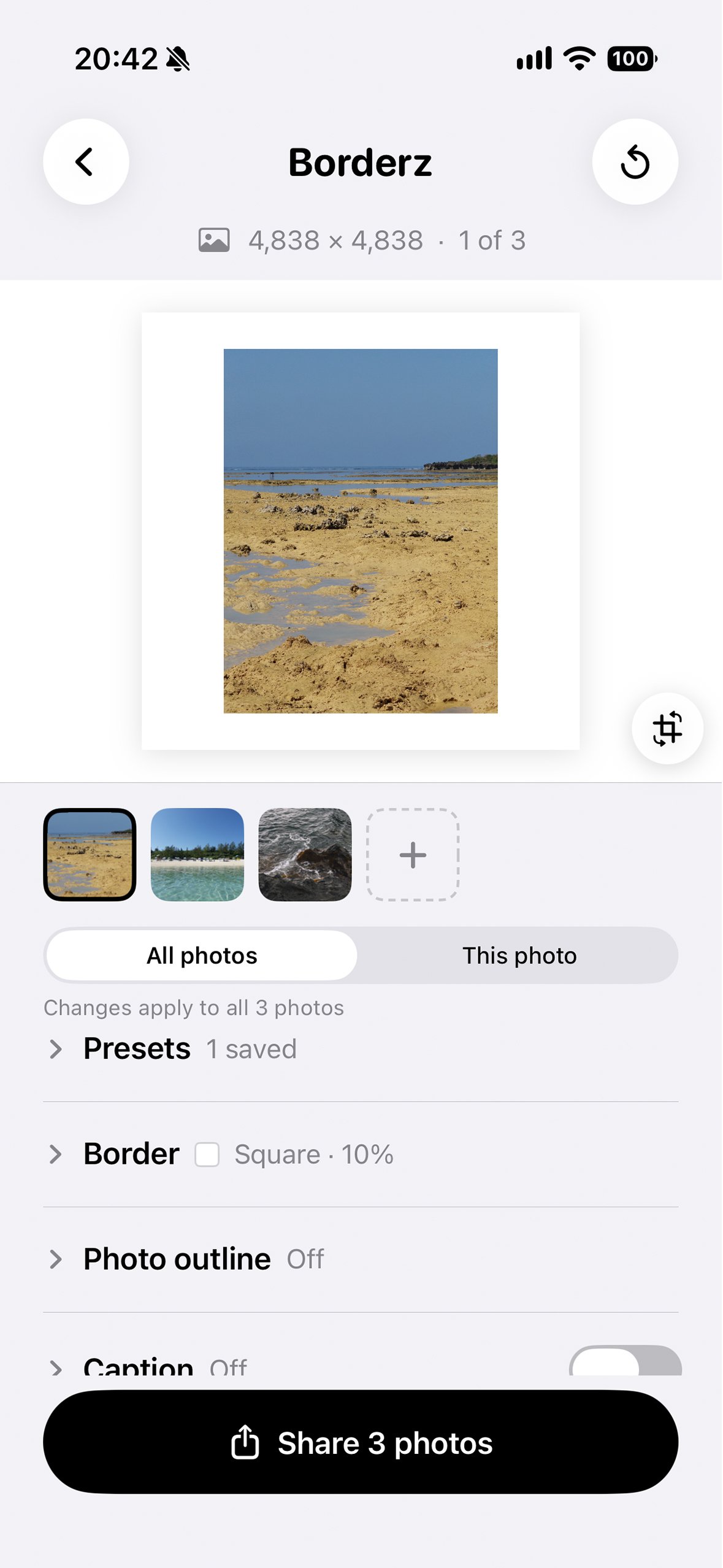
Borderz editor with three photos selected and the controls grouped into collapsible sections
Pick. Frame them all.

Choose up to 50 photos. Set the border, outline and caption once in All photos and every photo follows. Controls fold away into tidy sections.

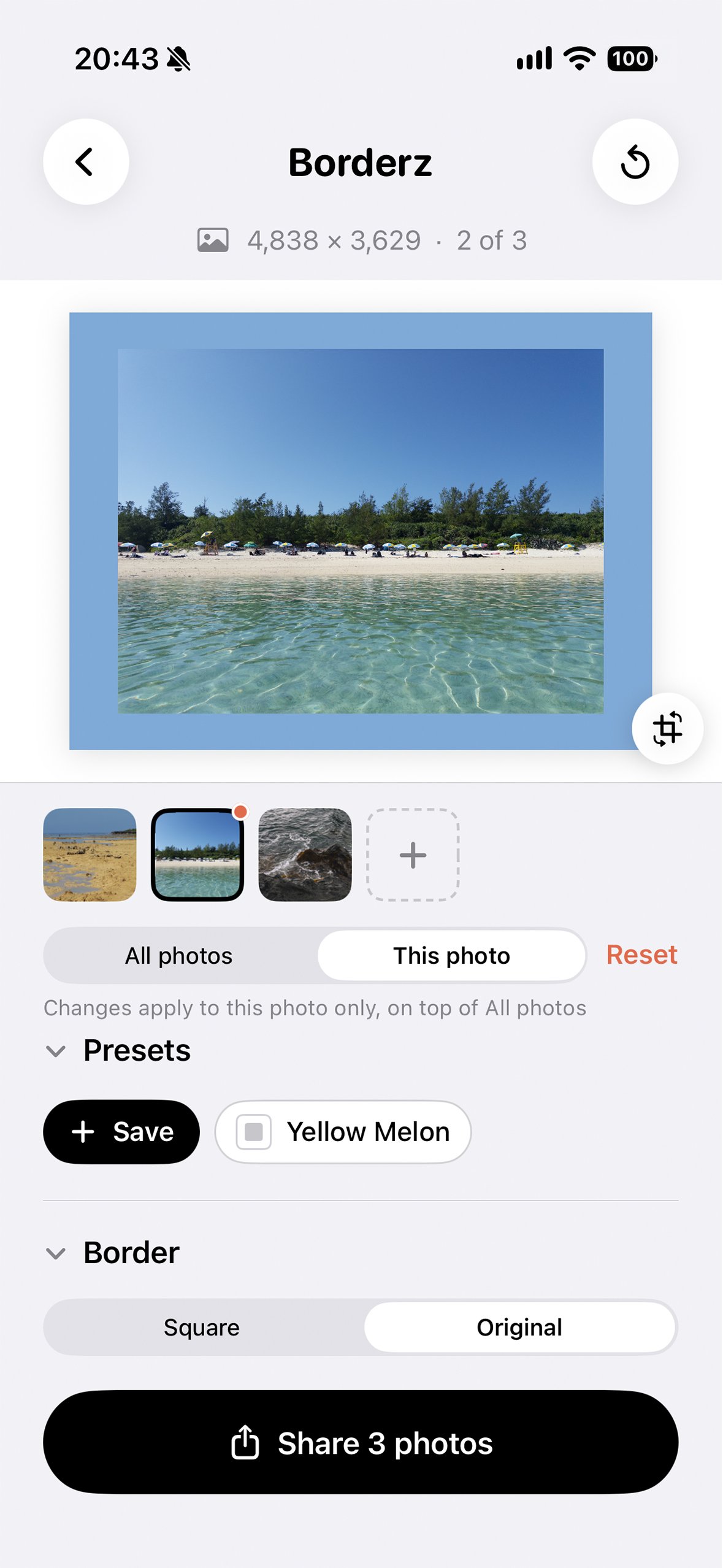
Borderz editor giving one photo in a batch its own blue border
Tweak just one.

Switch to This photo to give one picture its own color or caption. A small dot marks the ones you've changed, and Reset sends them back.

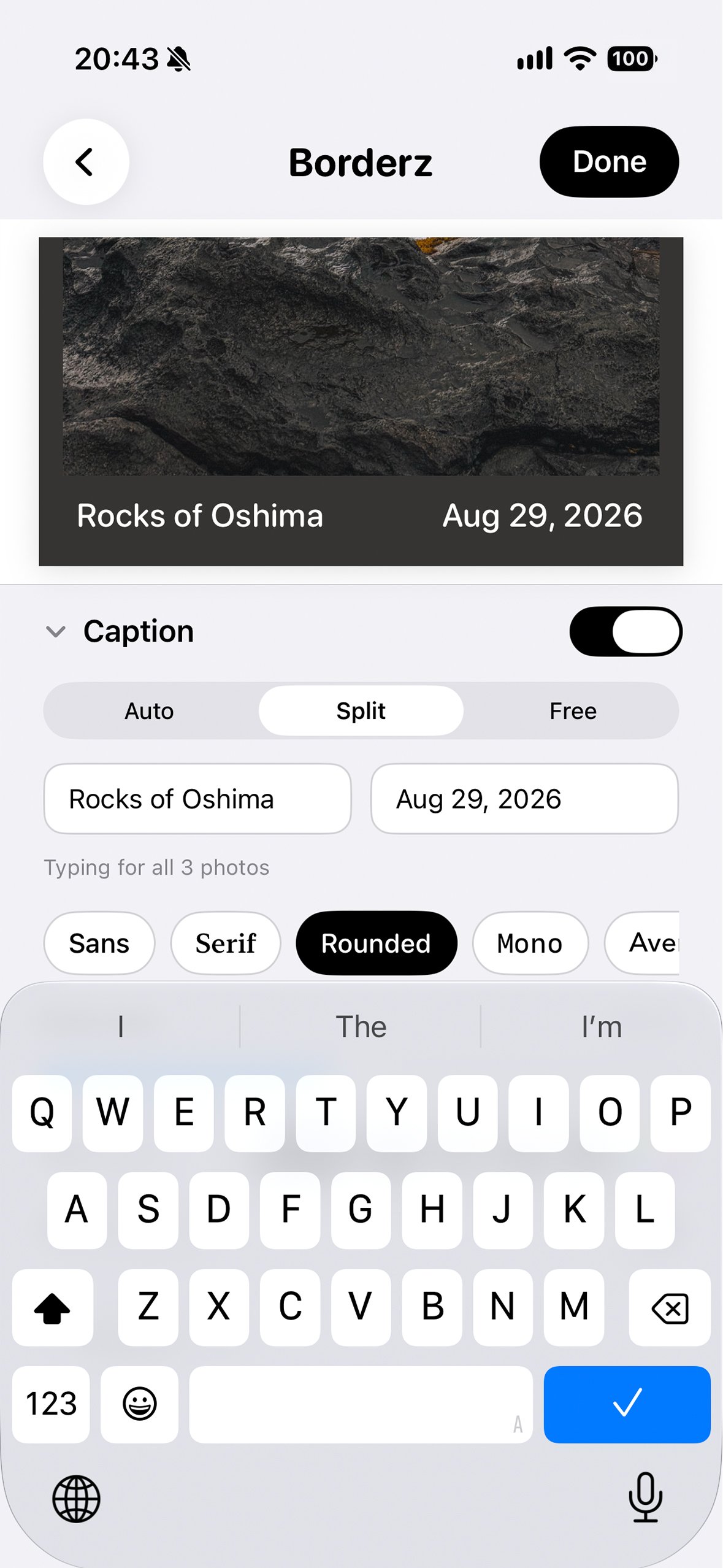
Borderz zooming in on the caption while typing, with a place name on the left and the date on the right
Caption it. Share.

The preview zooms in on your caption as you type, and dates fill in from when each photo was taken. Then share every photo at once — free, no account, no upload.

The ritual

A small habit of presentation.

Borderz wasn't built to be fast. It was built to make an ordinary photo worth a second look.

01

See it

The street, the plate, the view from a window. Any photo can hang on a wall — it just needs an edge to hang inside of.

02

Frame it

Pick Square or Original, drag the width, choose a color, add a caption. Watch the same photo start to look presented instead of just captured.

03

Share it

Export and send it anywhere a photo goes — the frame travels with it, and the photo reads like it was meant to be seen.

Roadmap

Borderz is just starting.
New features and ideas are on the way.

We build slowly, in public. Here's what's shipped, what's next, and what we're dreaming about. Tell us what you'd like to see.

Now · v1.2

Shipped

  • Square & Original, plus crop & rotate with popular aspect ratios
  • Adjustable border width and photo outline
  • Preset colors, colors from your photo, and a full color picker
  • Low, Medium & High resolution export
  • Smart captions in Auto, Split & Free layouts, with 20 typefaces
  • Captions that fill in the date each photo was taken
  • Batch framing for up to 50 photos, with per-photo tweaks
  • Presets to save and reuse your favorite look
  • Fullscreen pinch-to-zoom preview
Later · dreaming

On the horizon

  • Your idea here — tell us what to build next
Let's give every photo a frame.
Release notes

What's in Borderz.

We ship slowly, in public. Here's every release, newest first.

1.2 Available now Batch framing, crop & rotate, presets, and photo outlines.

Borderz 1.2 is the biggest update yet: frame a whole album at once, reframe photos right in the app, and save the looks you love. Here's everything that's new.

50
Batch framing

Choose up to 50 photos and give them all the same frame. Switch to This photo to give any one its own color, caption or outline, then share them all at once.

Crop & rotate

Zoom, reposition and rotate right in the app, with popular aspect ratios like 1:1, 4:5, 9:16 and 16:9. Crops are applied at full resolution.

★
Presets

Save a look you love — border, outline, colors, caption and font — and apply it to any photo in one tap.

Photo outline

Add an outline around your photo in any color, from a hairline to bold. It sits on the border, so none of your photo is covered.

Aa
Captions, upgraded

20 typefaces, from clean sans to typewriter and script. Dates fill in from when each photo was taken, so every photo in a batch gets its own.

✓
Easier editing

The preview zooms in on your caption while you type, and the controls are grouped into sections you can fold away.

1.1 Available now Smart captions, color suggestions, and a fullscreen preview.

Borderz 1.1 adds captions to the frame, plus color help and a better look at your finished photo. Here's everything that's new.

Aa
Smart captions

Add a caption in three layouts — Auto, Split, or Free — so text sits naturally in the border around your photo.

A
Four typefaces

Sans, Serif, Rounded, or Mono, with text that auto-fits the space — or fine-tune the size yourself with a slider.

■
Color suggestions

Borderz samples your photo and suggests border and text colors that already belong together.

□
Center Photo

Keep the photo centered with symmetrical borders on every side, even with a caption in the frame.

Fullscreen preview

Tap your photo to open it fullscreen, then pinch to zoom in on the details before you export.

✓
Improved editor layout

The preview now stays fixed in place while the controls scroll beneath it, so you can keep an eye on your photo as you adjust.

1.0 Available now Every photo deserves a frame — free, from day one.

Borderz 1.0 is a small, focused app that does one thing well: it puts a clean border around your photo. Here's everything it can do.

Square or Original

Fit your whole photo into a square for the grid, or keep its original aspect ratio intact — both get the same clean border treatment.

↔
Adjustable width

Drag a single slider from a hairline to a wide gallery mat. Watch the border update on your photo in real time.

■
8 colors, plus your own

White, black, cream, and five accents cover most photos. Need something specific? Pick any color with the full color wheel.

↑
Three export sizes

Low, Medium, or High resolution, so your export is sized right whether it's headed to a story or to print.

⟶
Instant share

One tap sends your framed photo to Photos, Messages, Mail, or any app on your phone through the standard iOS share sheet.

✓
Completely free

No account, no subscription, no locked features. Every tool in Borderz is available to everyone, from the first open.

Support

We are here for you.

Write any time and you'll hear back from us, usually within a day or two.

Is Borderz really free?

Yes. There's no Pro tier, no subscription, and no in-app purchase. Every feature — batch framing, captions, presets, and every export size — is available to everyone, always.

Where are my photos stored?

Borderz doesn't keep a library. Your photo is framed on your device the moment you open it, and exists only while you're working with it. When you export, the finished image goes to your Photos or wherever you choose to share it — entirely under your control. There is no Borderz server.

Does Borderz collect analytics?

No third-party trackers, no advertising SDKs. We get crash reports through Apple's built-in mechanism only if you opted in at the system level.

What export sizes are available?

Borderz exports at Low, Medium, or High resolution — up to the full resolution of your original photo — so you can pick whatever fits where it's going.

How do I delete my account?

There is no account to delete — Borderz has no sign-up. Uninstalling the app removes everything.

How many photos can I frame at once?

Up to 50. Set the look once for all of them, tweak any single photo on top, and share them all together.

Where are my presets saved?

On your device only. Presets never leave your phone, and deleting the app removes them.